How Do I Set Up Streaming and TV in My Serbia Home?
Moving to Serbia is an incredibly exciting adventure, but let's be honest, sometimes you just want to kick back and lose yourself in your favorite shows, a good movie, or catch up on the news from back home. Figuring out how to set up streaming services and local TV in your new Serbian abode can feel like navigating a complex maze of providers, packages, and, let's face it, a fair bit of Serbian bureaucracy. Don't worry, I've been through it all, and I'm here to walk you through every step, ensuring your Serbian home feels just as entertaining as your last.
Setting Up Your Essential Home Internet Connection in Serbia
Before you can even think about binge-watching your favorite series or tuning into local news, you need a stable internet connection. In Serbia, broadband internet is widely available, with options ranging from fiber optic to ADSL/VDSL, depending on your location. For expats, this is often the first hurdle, as securing a reliable connection can sometimes feel like a game of patience and paperwork.
Choosing the Right Internet Provider for Your Needs
Serbia has several prominent internet service providers, with Telekom Srbija (known by its consumer brand mts) and SBB being the two largest. You also have other players like Yettel and A1 Srbija (formerly Vip mobile) which offer competitive packages, especially for mobile internet and bundled services. Your choice often comes down to what's available in your building, the speeds you need, and frankly, who offers the best deal at the time you're signing up.
Telekom Srbija, being the state-owned former monopoly, has a vast infrastructure across the country. They offer a variety of services including ADSL, VDSL, and a rapidly expanding fiber optic network, particularly in larger cities like Belgrade and Novi Sad. Their bundles often include IPTV (Internet Protocol Television) and landline phone services. SBB, on the other hand, is a private company known for its excellent cable internet and digital TV (D3 services). They also have a significant fiber optic footprint. Many expats find SBB's customer service, especially for English speakers, to be slightly more accessible, but this can vary. It's always a good idea to check what infrastructure is actually available at your specific address. You can usually do this by checking their websites directly or, even better, asking your landlord or a local friend for recommendations and advice. Remember, a good internet connection is the backbone of your digital life here, whether it’s for work, keeping in touch, or setting up streaming. For more detailed advice on getting connected, you can read our guide on How to Set Up Internet and Mobile Service in Serbia.
The Installation Process and What to Expect
Once you've chosen a provider and a package, the installation process usually involves a technician visit. This is where patience truly becomes a virtue. Scheduling can sometimes be tricky, and while many technicians are professional, not all will speak English. Having a Serbian-speaking friend, colleague, or even your landlord present during the installation can be incredibly helpful to bridge any communication gaps and ensure everything is set up correctly.
Expect to sign a contract, typically for a period of 12 or 24 months. Make sure you understand the terms, especially regarding early termination fees, which can be quite steep. Most providers will offer a modem/router as part of the package, sometimes for a small monthly rental fee or as a one-time purchase. Fiber optic installations often require more significant work inside your apartment, including running a new cable, while ADSL/VDSL connections might just need a simple modem swap. Before you commit, it's worth checking our broader advice on How to Choose a Mobile and Internet Provider in Serbia to ensure you're making the most informed decision. Once your internet is humming along, you're ready to dive into the world of TV and streaming!
Navigating Local TV Providers and Packages in Serbia
Once your internet is sorted, you have choices for local TV. You can go with a traditional TV package offered by your internet provider, or explore digital terrestrial options. Understanding these choices will help you integrate into the local culture, even if it's just to catch a football match or the evening news.
Understanding Serbian TV Provider Options
The primary players in the Serbian TV market are typically bundled with internet and phone services.
- SBB (Serbia BroadBand): As mentioned, SBB is a dominant force in cable and digital TV. They offer a wide array of channels, including local Serbian channels, regional channels from the former Yugoslav republics, and a selection of international channels (news, movies, sports). Their digital TV service, D3, comes with features like catch-up TV, recording, and video on demand. They have different packages with varying numbers of channels, and often include HD options. Many expats lean towards SBB for their reliable service and generally better user interface.
- Telekom Srbija (mts TV): Telekom Srbija offers its IPTV service, mts TV, primarily through their internet infrastructure. Similar to SBB, they provide numerous local and international channels, often bundled into various packages. Telekom has been investing heavily in content, including sports rights and original Serbian series, so their offerings can be quite compelling. They also have a good selection of regional channels.
- Antenna TV (DVB-T2): For those on a tighter budget or who prefer a minimalist approach, you can still access free-to-air digital terrestrial television (DVB-T2) with an antenna. This will give you access to national broadcasters like RTS (Radio Television of Serbia) and some commercial channels. While it's free after the initial antenna purchase, the channel selection is significantly more limited compared to cable or IPTV. For many expats, this is rarely the primary option, but it's good to know it exists.
When choosing a package, consider your viewing habits. Are you primarily interested in local news and entertainment, or do you need a good mix of international content? Some landlords might even include a basic TV package as part of your rental agreement, especially if you're in a furnished apartment. This is definitely something to clarify when signing your lease, as discussed in our article on The Complete Guide to Renting an Apartment in Serbia.
Features, Channels, and Language Options for Expats
Serbian TV packages, both from SBB and Telekom, come with a range of features. Most modern packages include:
- Catch-up TV (TV Unazad/TV Arhiv): This allows you to watch shows that aired up to 7 days ago. It's a lifesaver when you miss something or want to re-watch a segment.
- Video on Demand (VOD): Access to a library of movies and series, often for an additional fee per title, or included in premium packages.
- Recording (Snimanje): The ability to record programs to watch later, similar to a DVR.
- EPG (Electronic Program Guide): A digital guide to what's on, much like you'd expect from any modern TV service.
Regarding channels, you'll find a mix of Serbian national channels (RTS 1, RTS 2, Prva, B92, Happy, Pink), regional channels (e.g., Nova S, N1, Sport Klub), and a selection of international news (CNN, BBC, Euronews), entertainment (HBO, AXN, Fox), and sports (Eurosport, Arena Sport). The availability of specific international channels depends entirely on the package you choose.
For language, most foreign films and series on Serbian channels are dubbed into Serbian or have Serbian subtitles. However, many international channels available through SBB or Telekom's premium packages will allow you to switch the audio to the original language (e.g., English) and sometimes even choose English subtitles if available. This is a huge plus for expats who want to watch foreign content without the dubbing. It's worth asking your potential provider about this feature if it's important to you. Don't forget, when you're thinking about the recurring costs, these TV packages are part of your monthly expenses, and our guide on The Complete Guide to Cost of Living in Serbia for Expats might give you a broader financial perspective.
Unlocking Your Favourite International Streaming Services in Serbia
Now for the part many expats care about most: getting access to the streaming services you loved back home. The good news is that most major international streaming platforms are available in Serbia, but sometimes with a twist.
Major Streaming Platforms and Geo-Restrictions
Platforms like Netflix, HBO Max (now just Max in some regions, but still HBO Max in Serbia), Amazon Prime Video, Disney+, and Apple TV+ are all officially available in Serbia. You can subscribe directly with a Serbian payment method, or in many cases, continue using your international account.
The catch? Geo-restrictions. While the services are available, the content library often differs significantly from what you'd find in the USA, UK, Canada, or other countries. This is due to licensing agreements. A show available on Netflix US might not be available on Netflix Serbia, or it might be on a different platform entirely. This can be frustrating when you're craving a specific show!
The same applies to services that might not have a presence in Serbia at all, like Hulu, BBC iPlayer, or certain local sports streaming platforms from your home country. This is where Virtual Private Networks (VPNs) come into play.
Using VPNs and Smart DNS for Enhanced Access
Many expats turn to VPNs or Smart DNS services to bypass geo-restrictions.
- VPN (Virtual Private Network): A VPN encrypts your internet connection and routes it through a server in another country. By connecting to a server in, say, the United States, your internet traffic appears to originate from the US, potentially allowing you to access US-specific content libraries on streaming services or even services not available in Serbia. While VPNs are perfectly legal in Serbia, using them to bypass geo-restrictions on streaming platforms often falls into a grey area in the terms of service of those platforms. Popular VPN providers include NordVPN, ExpressVPN, and ProtonVPN. Be aware that streaming services are constantly improving their VPN detection, so what works today might not work tomorrow. Also, a VPN can sometimes slow down your internet speed due to the extra routing and encryption, which might lead to buffering, especially if you have a slower base internet connection.
- Smart DNS: A Smart DNS service works differently. Instead of encrypting your connection, it re-routes specific parts of your internet traffic (like DNS requests) through servers in other countries. This tricks streaming services into thinking you're in a different region without the overhead of encryption, often resulting in faster speeds than a VPN. However, Smart DNS services don't offer the same level of security and privacy as a VPN. Services like Smart DNS Proxy or unlocator are examples.
When using these tools, you’ll typically need to install their app on your computer, smartphone, or tablet. For Smart TVs, gaming consoles, or streaming sticks (like Roku or Fire Stick), you might need to configure your router to use the VPN or Smart DNS service, which can be a bit more technical. If you're struggling with connectivity on the go or before your home internet is fully set up, remember that services like Airalo offer eSIMs that can give you temporary data access, which might be useful for quick streaming fixes on your phone while you figure out your home setup. Just remember that mobile data might not always be sufficient for extended high-definition streaming.
Device Compatibility and Casting Options
Most modern Smart TVs sold in Serbia will have built-in apps for Netflix, YouTube, HBO Max, etc. If your TV is older or doesn't have these apps, you have several options:
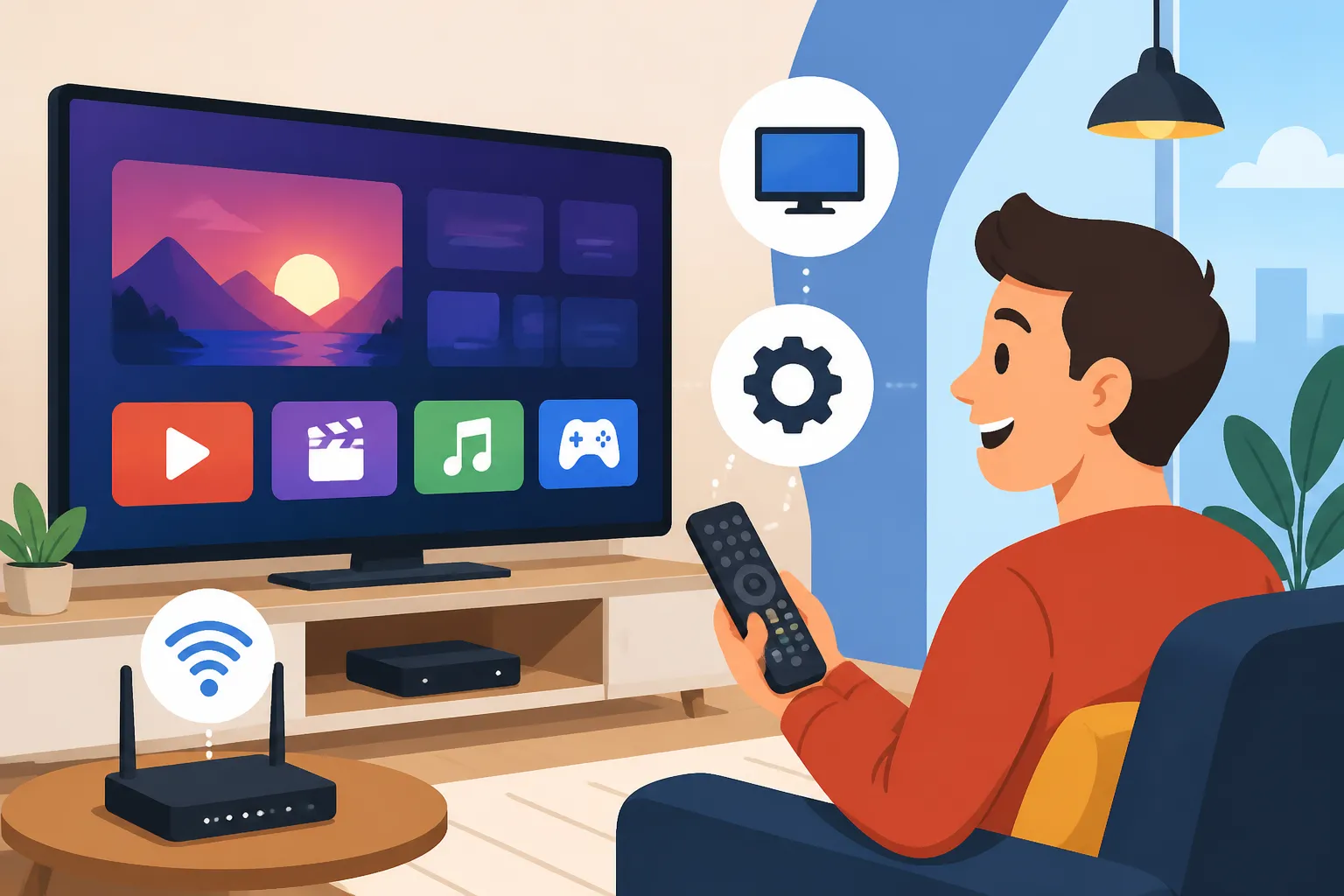
- Streaming Sticks/Boxes: Devices like Amazon Fire TV Stick, Google Chromecast, Apple TV, or Roku are excellent for turning any HDMI-enabled TV into a smart TV. You simply plug them into an HDMI port, connect them to your Wi-Fi, and download your desired apps. These are widely available in Serbian electronics stores or online.
- Casting/Mirroring: With a Chromecast or similar device, you can "cast" content from your phone, tablet, or computer directly to your TV. Many apps, including YouTube and Netflix, have a built-in casting button. You can also mirror your device's screen to your TV, which is useful for content that doesn't have a direct casting option.
- Gaming Consoles: PlayStation and Xbox consoles also offer a range of streaming apps, turning your gaming machine into an entertainment hub.
When moving, you might bring some of your smart devices with you. Most will work perfectly well in Serbia, though you might need to adjust region settings for certain apps. The biggest challenge is often finding a reliable internet connection initially, but if you're planning your relocation with services like Sirelo, you might find useful guides or resources that touch upon setting up these home essentials in your new country.
Troubleshooting Common Issues and Getting Help
Even with the best planning, you might run into a few bumps along the road when setting up your streaming and TV services. It’s part of the expat experience, and honestly, sometimes it makes for the best stories later.
Language Barriers and Customer Support
One of the most common frustrations for expats is the language barrier when dealing with customer service. While some larger providers like SBB and Telekom Srbija have dedicated English-speaking support lines or departments, this isn't always a given. When you call, try asking, "Govorite li engleski?" (Do you speak English?). If they don't, you might need to:
- Ask a Serbian friend for help: This is often the easiest and most effective solution.
- Use online translation tools: Google Translate can be your best friend for basic communication, though it’s not perfect for complex technical issues.
- Visit a retail store: Sometimes, face-to-face interaction can be more productive, especially if you can point to pictures or use gestures. In larger cities like Belgrade or Novi Sad, you'll likely find someone who speaks some English in the main branches.
Always try to clearly articulate your problem, ideally with specific error messages or symptoms. Be patient; Serbian customer service might operate at a different pace than you're used to.
Power Outages, Technical Glitches, and Payment Problems
Serbia generally has a stable electricity grid, but occasional power outages can happen, especially during severe weather. This will, of course, interrupt your internet and TV services. Most routers and TV boxes will restart automatically once power is restored. If they don't, a simple unplug-and-replug (a "hard reset") often does the trick.
Technical glitches can range from slow internet speeds to specific channels not working. For internet speed issues, first, try restarting your router. If the problem persists, contact your ISP. They can perform remote diagnostics. For TV issues, try restarting your set-top box. If specific channels are consistently out, it might be a broader issue that the provider needs to address.
Payment problems can also arise. Most Serbian providers allow you to pay your monthly bills through online banking, at post offices (Pošta Srbije), or at their retail stores. Sometimes, if you're using an international credit card for streaming services, your bank might flag it as unusual activity, requiring you to authorize the transaction. If you've been managing your household bills and utilities, you'll find the process quite similar to How to Pay Your Utility Bills in Serbia, so don't stress too much about this. Just make sure your registration of address, or your prijava, is always up to date with the police, as it's often a prerequisite for various contracts and services in Serbia, including internet and TV. You can learn more about this process by checking out our guide on How to Register Your Address (Prijava) with the Police in Serbia.
Handy Table: Comparing Major Serbian TV/Internet Providers
To help you get a quick overview, here's a comparison of the key aspects of the two major players:
| Feature | SBB (Serbia BroadBand) | Telekom Srbija (mts) |
|---|---|---|
| Service Type | Cable TV, Digital TV (D3), Fiber Optic, DOCSIS Internet | IPTV, ADSL/VDSL, Fiber Optic Internet |
| Internet Speed | Often perceived as very fast, especially with Fiber/DOCSIS | Good speeds, rapidly expanding Fiber Optic network |
| TV Channel Mix | Strong on international news, movies, sports (Sport Klub) | Strong on local/regional, exclusive sports (Arena Sport), original Serbian content |
| Bundles Offered | Internet + TV + Landline, sometimes mobile (via Globaltel) | Internet + TV + Landline + Mobile (all under mts brand) |
| Availability | Widespread in urban areas, expanding in rural | Broadest coverage, including remote areas |
| Customer Support | Generally good, some English support available | Varies, more traditional approach |
| Unique Features | EON TV platform (popular), GIGA Network, D3 Go app | mts TV Go app, original content production |
This table should give you a general idea, but remember that specific packages, pricing, and promotions change frequently. It's always best to visit their respective websites or stores for the most current information for your exact location.
Ultimately, setting up your streaming and TV in Serbia is a solvable puzzle. It might take a bit of effort, a friendly Serbian assistant, and some patience, but soon enough, you'll be enjoying your favorite content and feeling right at home. The key is to be prepared, understand your options, and not be afraid to ask for help from locals or fellow expats who have walked this path before you.
Disclaimer
Please note that the information provided in this guide is for general informational purposes only and is subject to change. While we strive to keep the content up-to-date and accurate, telecommunication services, regulations, and prices in Serbia can evolve rapidly. It is always recommended to verify specific details, terms, and conditions directly with service providers and official sources at the time of your inquiry.